




What does your dream PC look like? For some people, it is a powerful gaming machine. For others, it is a smooth video editing workstation, a reliable office computer, or a high-performance system for programming and professional workloads.
The important thing is that there is no single “best PC” for everyone. The right PC is the one that is built around your needs.
What Makes a Good Custom PC?
A custom PC gives you the freedom to choose each major component instead of settling for a fixed configuration. You can decide where your money should go based on the work you actually do.
For example, a gaming PC may need a stronger graphics card, while a video editing system may benefit from a powerful CPU, plenty of RAM, fast SSD storage, and a capable GPU. An office PC may not need the same level of performance at all.
Start With Your Workload
Before selecting any component, ask yourself one simple question: What will I mainly use this PC for?
- Gaming: Focus on the GPU, CPU, RAM, cooling, and a fast SSD.
- Video Editing & Content Creation: A balanced CPU and GPU combination, sufficient RAM, and fast storage are important.
- Programming: A responsive CPU, adequate RAM, fast SSD, and a comfortable multi-monitor setup can make a big difference.
- Workstation: Professional workloads may require higher CPU performance, more memory, better graphics, and dependable storage.
- Office & Productivity: A reliable and well-balanced configuration is usually more useful than spending money on unnecessary high-end hardware.
Choose the CPU Carefully
The processor is one of the most important parts of a PC, but it should not be selected in isolation. Your CPU needs to match your motherboard, RAM platform, cooling solution, and overall workload.
For gaming, a strong CPU can help keep your graphics card performing well. For rendering, editing, compiling, and other multi-core workloads, additional processing power can be more valuable.
Don’t Ignore the Graphics Card
If gaming, 3D work, AI applications, or GPU-accelerated creative software is part of your daily routine, the graphics card deserves serious attention.
However, buying the most expensive GPU is not always the smartest choice. The right GPU depends on your monitor resolution, software, games, workload, and budget.
How Much RAM Do You Really Need?
RAM requirements depend heavily on how you use your computer. A typical office system may be perfectly comfortable with a sensible amount of memory, while video editing, 3D work, virtual machines, and demanding professional applications can benefit from considerably more.
It is also important to check RAM generation, motherboard compatibility, capacity, speed, and upgrade options before purchasing.
SSD: The Upgrade You Can Feel
A fast SSD can make a PC feel much more responsive. Windows can boot faster, applications can open quickly, and file transfers can be significantly smoother compared with older storage technologies.
For a new custom PC, choosing the right SSD capacity is important too. If you work with large video files, games, projects, or professional applications, running out of storage can become frustrating very quickly.
Cooling and Power Supply Matter Too
Two components that are often overlooked are the cooling system and power supply. A powerful processor and graphics card need a suitable cooling solution, while the power supply should provide enough capacity and reliability for the complete system.
A good custom build is not simply a collection of expensive parts. Every component should work properly with the others.
Why a Custom PC Can Be Better Than a Pre-Built PC
A pre-built computer can be convenient, but a custom PC gives you much more control over the configuration. You can avoid spending money on components you don’t need and put more of your budget into the hardware that matters most for your workload.
You also have the opportunity to plan for future upgrades, choose components based on compatibility, and create a system that is genuinely tailored to you.
Build for Your Budget, Not Someone Else’s
One of the biggest mistakes people make is starting with a list of expensive components and trying to fit their budget around it.
A better approach is to decide your budget first and then distribute it according to your requirements. A balanced ₹80,000 PC can be a better choice for one user than a ₹1.5 lakh PC, simply because it matches the actual workload better.
How Digi Care Infotech Builds Your Dream PC
At Digi Care Infotech, we believe a custom PC should be built around the person using it.
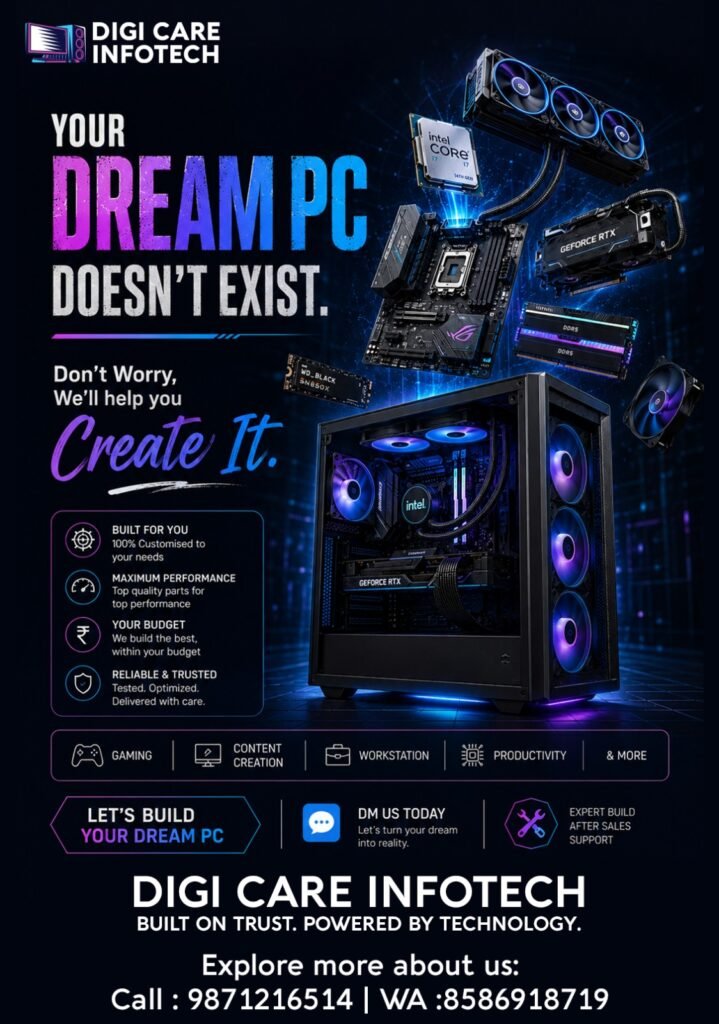
Whether you need a Gaming PC, Content Creation PC, Workstation, Productivity PC, or a high-performance system, we help you select the right components according to your requirements and budget.
Our approach is simple: understand your needs, select compatible components, build for performance, test the system, and provide after-sales support.
We don’t believe that a dream PC has to be the most expensive PC. It simply needs to be the right PC for you.
Ready to Build Your Dream PC?
If you’re planning a new PC or upgrading an existing system, talk to Digi Care Infotech before buying individual components. We can help you plan a configuration that makes sense for your work, performance requirements, and budget.
Digi Care Infotech — Built on Trust. Powered by Technology.